Divi Ecommece Pro Styleguide
Backgrounds
.dsdep-background-color-primary
.dsdep-background-color-second
.dsdep-background-color-dark
.dsdep-background-color-light
Borders
.dsdep-border-color-primary
.dsdep-border-color-second
.dsdep-border-color-dark
.dsdep-border-color-light
Buttons
.dsdep-button-primary
.dsdep-button-second
.dsdep-button-outline
.dsdep-button-underline-primary
.dsdep-button-underline-second
.dsdep-button-medium
.dsdep-button-large
.dsdep-module-button-primary
.dsdep-module-button-second
.dsdep-module-button-outline
.dsdep-module-button-underline-primary
.dsdep-module-button-underline-second
.dsdep-module-button-medium
.dsdep-module-button-large
Box shadow
.dsdep-shadow-primary
.dsdep-shadow-second
.dsdep-module-button-shadow-primary
.dsdep-module-button-shadow-second
Colors
.dsdep-color-primary.dsdep-color-second
.dsdep-color-dark
.dsdep-color-light
Lorem ipsum dolor sit amet
.dsdep-link-color-primaryLorem ipsum dolor sit amet
.dsdep-link-color-second
Lorem ipsum dolor sit amet
.dsdep-link-color-dark
Lorem ipsum dolor sit amet
.dsdep-link-color-light
.dsdep-link-hover-color-primaryLorem ipsum hover over me
.dsdep-link-hover-color-second
Lorem ipsum hover over me
.dsdep-link-hover-color-dark
Lorem ipsum hover over me
.dsdep-link-hover-color-light
Heading h1
Heading h2
Heading h3
Heading h4
Heading h5
Heading h6
.dsdep-heading-color-primaryHeading h1
Heading h2
Heading h3
Heading h4
Heading h5
Heading h6
.dsdep-heading-color-second
Heading h1
Heading h2
Heading h3
Heading h4
Heading h5
Heading h6
.dsdep-heading-color-dark
Heading h1
Heading h2
Heading h3
Heading h4
Heading h5
Heading h6
.dsdep-heading-color-light
Border radius
.dsdep-borderRadius

.dsdep-borderRadiusImage
Checklist
- Dolore magna aliqua
- Ut enim ad minim veniam quis nostrud
- Duis aute irure dolor in reprehenderit
.dsdep-checklist
- Dolore magna aliqua
- Ut enim ad minim veniam quis nostrud
- Duis aute irure dolor in reprehenderit
.dsdep-checklist + .checklist-secondary
- Dolore magna aliqua
- Ut enim ad minim veniam quis nostrud
- Duis aute irure dolor in reprehenderit
.dsdep-checklist + .checklist-dark
- Dolore magna aliqua
- Ut enim ad minim veniam quis nostrud
- Duis aute irure dolor in reprehenderit
.dsdep-checklist + .checklist-white
- Dolore magna
- Ut enim ad
- Veniam
- quis
- Lorem
- ipsum
- Amet consectetur
- Elit sed
- Tempor
- incididunt
- Duis aute
- irure dolor
.dsdep-checklist + .checklist-inline
- Lorem ipsum dolor sit amet consectetur
- Elit sed do eiusmod tempor incididunt
- Dolore magna aliqua ut labore
- Ut enim ad minim veniam quis nostrud
.dsdep-checklist + .checklist-2-col
- Lorem ipsum dolor sit amet
- Elit sed do eiusmod tempor
- Dolore magna aliqua
- Ut enim ad minim veniam
- Ullamco laboris nisi ut aliquip
- Duis aute irure dolor in reprehenderit
.dsdep-checklist + .checklist-3-col
- Lorem ipsum dolor sit
- Elit sed do eiusmod
- tempor incididunt
- Dolore magna aliqua
- Ut enim ad minim
- veniam quis nostrud
- Ullamco laboris nisi
- Duis aute irure dolor in
.dsdep-checklist + .checklist-4-col
Headers
Heading h1
Heading h2
Heading h3
Heading h4
Heading h5
Heading h6
.dsdep-heading-with-line + .line-dark
Heading h1
Heading h2
Heading h3
Heading h4
Heading h5
Heading h6
.dsdep-heading-with-line + .line-light
Accordion Divi Module
.dsdep-accordion
Your Title Goes Here
Your content goes here. Edit or remove this text inline or in the module Content settings. You can also style every aspect of this content in the module Design settings and even apply custom CSS to this text in the module Advanced settings.
Your Title Goes Here
Your content goes here. Edit or remove this text inline or in the module Content settings. You can also style every aspect of this content in the module Design settings and even apply custom CSS to this text in the module Advanced settings.
Your Title Goes Here
Your content goes here. Edit or remove this text inline or in the module Content settings. You can also style every aspect of this content in the module Design settings and even apply custom CSS to this text in the module Advanced settings.
Blog Divi Module
.dsdep-blog
No Results Found
The page you requested could not be found. Try refining your search, or use the navigation above to locate the post.
Email Optin Divi Module
.dsdep-optin
.dsdep-optin + .dsdep-inline-optin
Contact Form Divi Module
.dsdep-contact-form
Testimonial Divi Module
.dsdep-testimonial
.dsdep-testimonial + .has-rating + .stars-5
.dsdep-testimonial + .has-rating + .stars-4
.dsdep-testimonial + .has-rating + .stars-3
.dsdep-testimonial + .has-rating + .stars-2
.dsdep-testimonial + .has-rating + .stars-1
.dsdep-testimonial + .has-rating
.dsdep-testimonial
Search Divi Module
.dsdep-search
Social Media Follow Divi Module
.dsdep-social-icons
Slider Divi Module
.dsdep-slider
Woo Add to Cart Divi Module
.dsdep-add-to-cart
Out of stock
Woo Reviews Divi Module
.dsdep-reviews
Woo Images Divi Module
.dsdep-woo-images
Woo Tabs Divi Module
.dsdep-woo-tabs
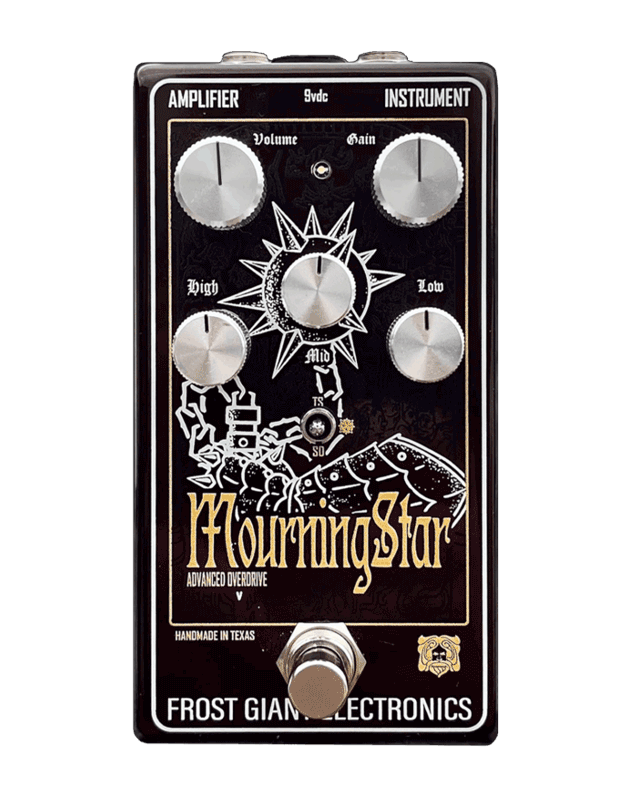
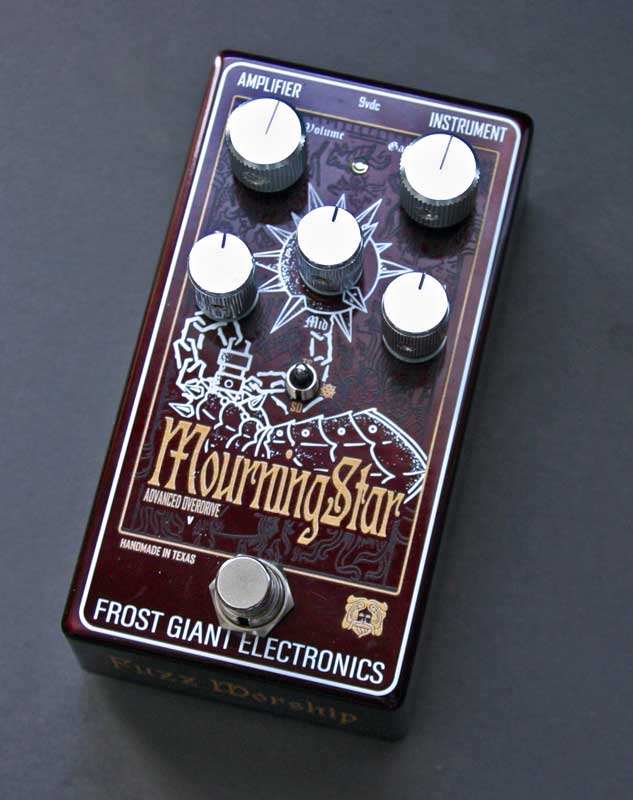
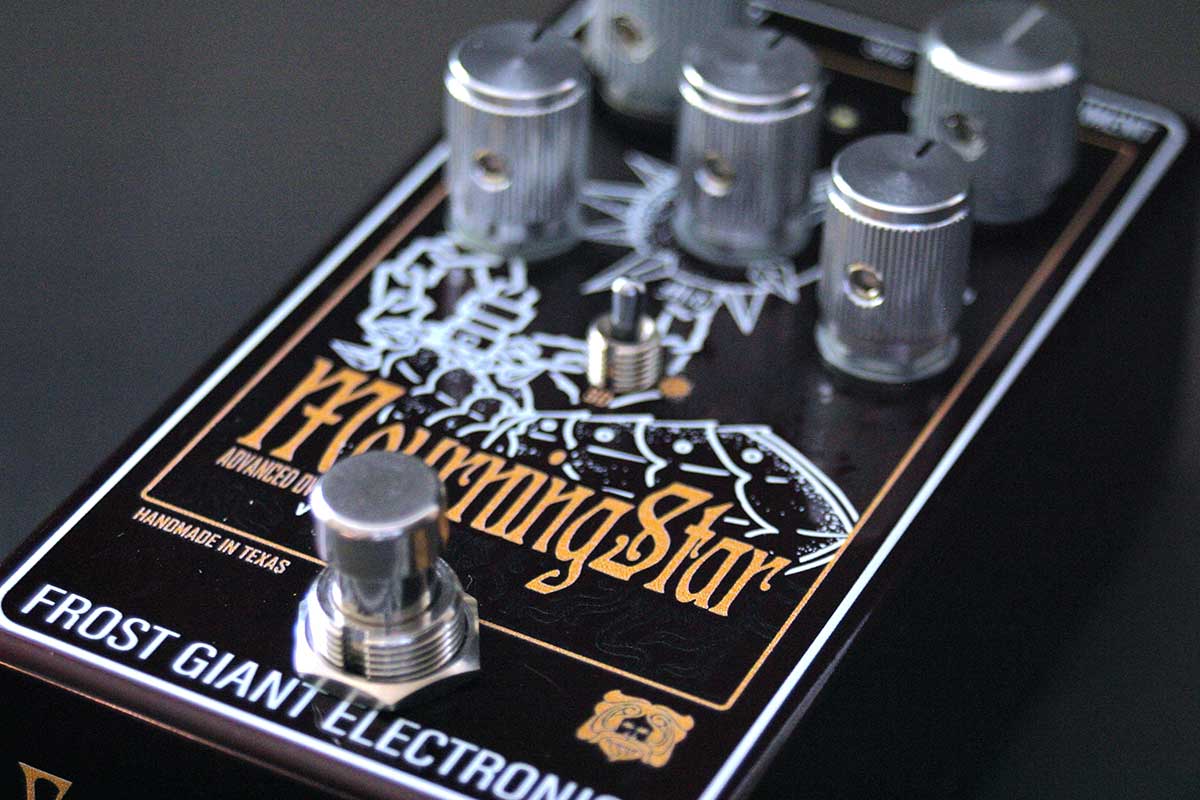
The Mourning Star is a custom overdrive with an active 3 band Baxandall EQ that has a fixed boost that sits behind the volume for more headroom and harmonics, plus a 3 way clipping selection. We designed this pedal to give your amp an extra push into saturation territory without having to mod your amp but also in a familiar package and clipping options to really tailor how the pedal goes into and reacts with your amp. We wanted to offer something that pushes a vintage Plexi as well as sculpt a Mesa Dual Rectifier, but still offer a stack-able pedal for those that use fuzz and distortion pedals for their tone.
The 3 way options are:
TS9 / Mourning Star / SD-1
These were decided on for a more familiar feel right out of the box. But understand that this is not a clone of any of those, but an entirely new build. TS9 setting is your standard tight and compressed feeling, the SD-1 adds that more rounder mid push while the Mourning Star setting is a custom LED clipping that adds a lot of gain and a stronger low end.
The 3 band active eq was chosen over the standard tone knob as we wanted something you can really adjust depending on size of the amp and plus tone stack and power tube types. The Lows are full and can add better depth while the Mids are quite unique, push them to get more bite, gain and of course mids. The High is useful to calm a thin amp or used with all three controls creating a powerful but cutting tone. One thing that makes the Mids so unique is when maxed you can get an HM2 like aggression, something that really hits strong with heavier styles of music like Death Metal, Doom and other purveyors of Brutal. We recommend starting the Mids at zero and adjusting to taste.
This build is from the ground up, beginning to end, with a desire to make a better overdrive than all the clones out there, and we feel we have achieved something pretty great. We hope you enjoy the Mourning Star and it finds a nice spot in your signal chain!
Specs
Videos & Reviews
Mourning Star - Fuzz Drones
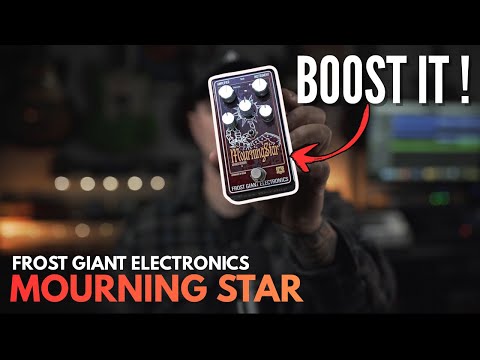
Mourning Star